
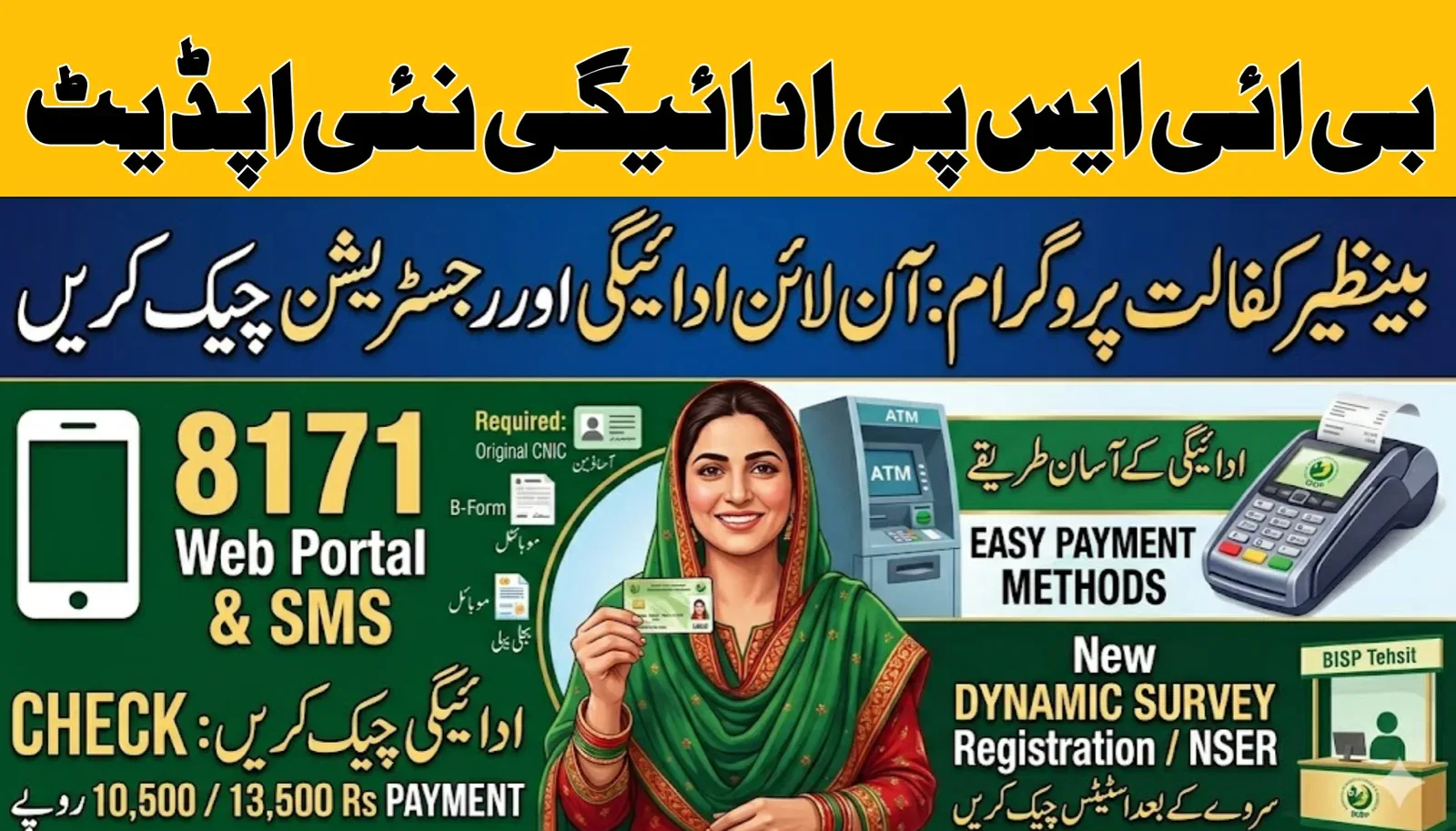
If you have recently completed your registration or NSER survey under the Benazir Income Support Programme (BISP), you can now check your payment online through the 8171 portal. The Government of Pakistan has improved the system in 2026, making it easier for eligible families to track their Rs. 10,500 to Rs. 13,500 payments from home using their CNIC.
This guide explains everything—from checking payment status to withdrawing cash from ATM.
BISP 8171 Payment 2026 – Quick Overview
| Feature | Details |
|---|---|
| Program Name | BISP 8171 |
| Payment Amount | Rs. 10,500 – Rs. 13,500 |
| Check Method | Online Portal & SMS (8171) |
| Registration | NSER Survey (Tehsil Office) |
| Payment Cycle | Quarterly |
| Required Document | Valid CNIC |
How to Check BISP 8171 Payment Online (Step-by-Step)
Follow these simple steps to check your payment:
- Visit the official portal: https://8171.bisp.gov.pk
- Enter your 13-digit CNIC number (without dashes)
- Complete the captcha verification
- Click on “Submit” or “Check Eligibility”
- Your payment status and amount will appear instantly
👉 You can also visit your website https://8171checkonlinecnic.net.pk/ for an easy guide and latest updates.
Check BISP Payment via SMS (8171 Method)
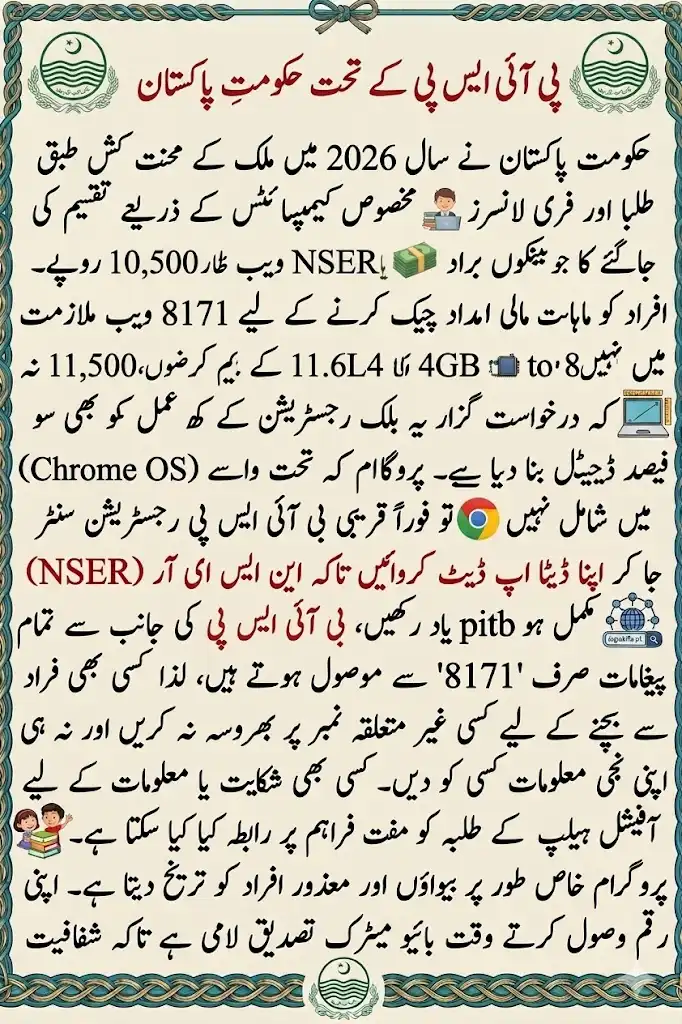
If you don’t have internet access:
- Open SMS app
- Type your CNIC number
- Send it to 8171
- Receive your eligibility and payment status
📌 This method is quick and works on all mobile networks.
Required Documents for BISP Registration 2026
To ensure smooth registration and payment, keep these documents ready:
- Valid CNIC issued by National Database and Registration Authority
- Registered mobile SIM
- Children’s B-Form (for Taleemi Wazaif)
- Utility bills (for address verification)
Why is Your BISP Payment Showing “Pending”?
Many users face this issue. Here are common reasons:
1. Verification in Process
👉 Your NSER survey data is still being reviewed
2. Biometric Issue
👉 Fingerprints not verified properly
3. PMT Score Check
👉 Poverty score still under evaluation
Solution
Visit the nearest BISP office for biometric re-verification.
How to Receive BISP Payment from ATM (Step-by-Step)
Once your payment is approved, follow these steps:
- Visit ATM of Habib Bank Limited or Bank Alfalah
- Press the green/enter button
- Select BISP Payment option
- Enter your CNIC number
- Place thumb on biometric scanner
- Choose withdrawal amount
- Collect cash and receipt
📌 Always keep your receipt for record.
Latest BISP Updates 2026
The government has introduced new improvements:
- 📈 Increased stipend (up to Rs. 13,500)
- 👩 Priority for widows and disabled افراد
- 🎓 Extra funds through Taleemi Wazaif
- 🔄 Dynamic survey updates every 3 years
- 🏦 Direct bank transfers for transparency
Benefits of Using 8171 Portal
- ✔️ Instant payment tracking
- ✔️ No need to visit offices repeatedly
- ✔️ Safe and transparent system
- ✔️ Easy access for rural users
- ✔️ Saves time and money
Helpline & Official Contact
If you face any issues:
- 📞 Helpline: 0800-26477
- 📩 SMS: 8171
- 🌐 Website: https://bisp.gov.pk
- 🏢 Visit nearest BISP office
⚠️ Do not share your CNIC with unauthorized people.
Important Tips for Beneficiaries
- ✔️ Always use official 8171 portal
- ✔️ Keep your CNIC valid and updated
- ✔️ Complete your NSER survey
- ✔️ Avoid agents and fraud
Conclusion
The BISP 8171 payment system 2026 has made it easier than ever to check and receive financial assistance. By using the online portal or SMS service, you can track your payment, verify eligibility, and withdraw funds safely.
Make sure your information is updated to avoid delays and receive your payments on time.
FAQs – BISP 8171 Payment 2026
1. How can I check my BISP payment?
You can check via 8171 web portal or SMS service.
2. What is the payment amount in 2026?
It ranges from Rs. 10,500 to Rs. 13,500.
3. Why is my payment pending?
Due to verification, biometric issues, or PMT score evaluation.
4. How can I withdraw BISP money?
Through ATMs of HBL or Bank Alfalah using biometric verification.
5. Is the 8171 service free?
Yes, it is completely free.